
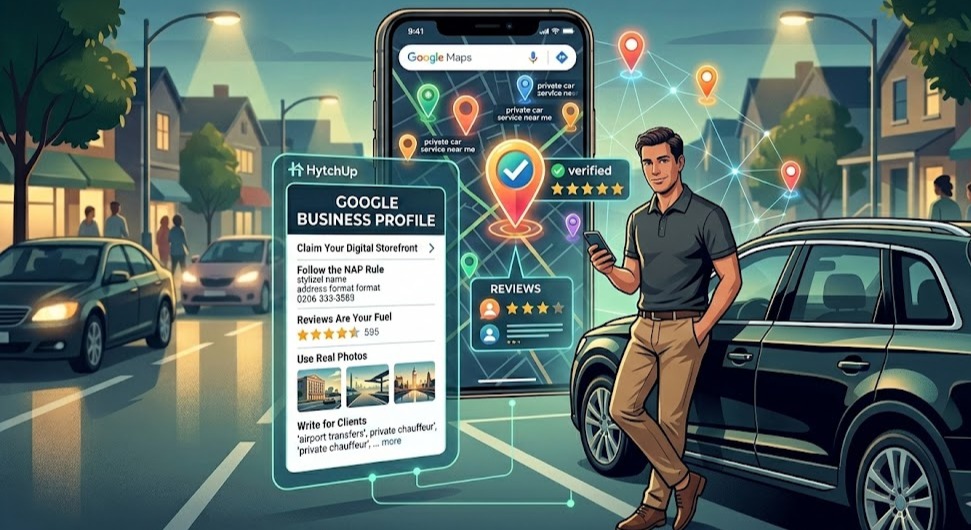
Step 1: Claim Your Digital Storefront
Google provides a free tool called Google Business Profile. Think of it as your digital business card that lives on Google Maps.
Action: Go to Google Business Profile and sign in with your Gmail.
The address secret: If you do not have a commercial office, use your home address and choose the service-area option so your home stays private while Google still understands where you operate.
Step 2: Follow the NAP Rule
Google rewards consistency. Your name, address format, and phone number should match everywhere your business appears online.
- Name: Use your legal business name.
- Address: Keep the format identical even if it stays hidden.
- Phone: Use one dedicated business number.
Step 3: Reviews Are Your Fuel
Trust drives bookings. A driver with a healthy stream of five-star reviews will usually win attention over a driver with none.
The strategy: Send a short message soon after drop-off while the ride is still fresh. Ask for the review directly and make it easy to leave.
Reply to every review: Even a short thank-you shows Google the profile is active.
Step 4: Use Real Photos
Stock images of generic limousines look forgettable. Riders want to see the real vehicle, the real driver, and the real service experience.
- A clean exterior and interior shot of your vehicle
- A professional photo of you in your working attire
- Photos near the airports, hotels, or landmarks you serve often
Step 5: Write for Clients, Not Robots
In your description, use the phrases riders actually search for.
Example: Reliable airport transfers from your city to JFK. Private chauffeur for corporate events and weddings.
These service phrases help Google connect your listing to real search intent.